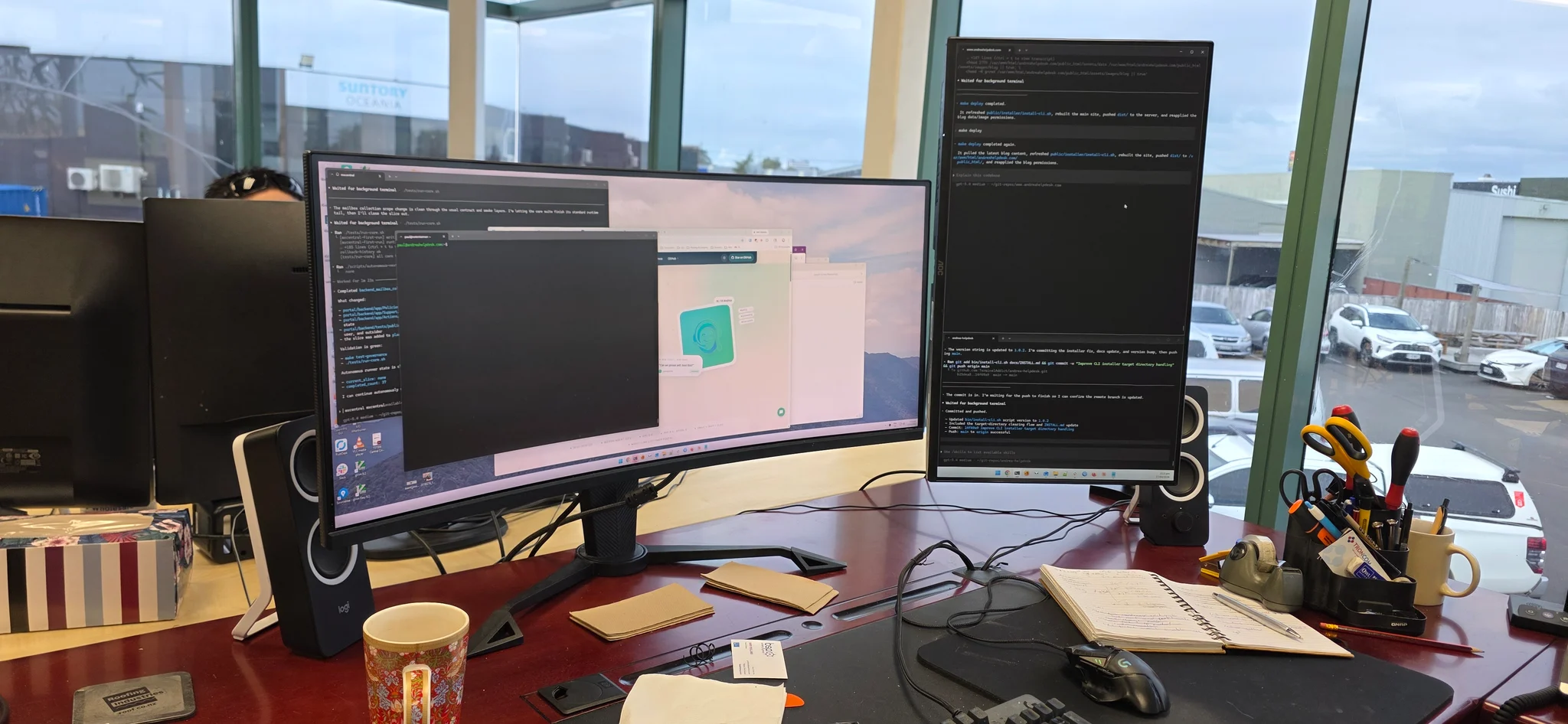
Central Communications workstation with multiple monitors, technical tools and software development in progress

Hamilton & Waikato

IT support.
Experience that counts.

Local help for computers, servers and networks. Deep technical experience with a business perspective.

Business IT · Hardware · Networks · Private cloud

Keep the business moving

Business IT support in Hamilton, with the bigger picture in mind.

Central Communications Ltd provides business IT support in Hamilton and across Waikato: computers, hardware repairs, servers, networking, private-cloud projects and remote hands for other IT providers. We help with the immediate fault and the decisions that come after it.

Established in 1989, Central Communications brings a long local history. Today, Paul Willard leads the business with a combination of hands-on technical experience and postgraduate business qualifications. You can discuss a stubborn network fault and the operational reasons for investing in a better system with the same team.

Find the cause, not just the symptom

A slow application may involve a computer, server, wireless connection or upstream service. Broad infrastructure experience helps us investigate the whole path and work with the right supplier when the fault sits outside your own equipment.

Make informed spending decisions

Repair, upgrade, replace or migrate? We explain the practical trade-offs around workload, supportability, cost and disruption. The most expensive option is not automatically the most useful one for your business.

Have someone local to work with

Remote support can handle many questions, but some jobs need a person at the site. We can connect the desk-level problem to the cabling, network and server infrastructure behind it, with clear next steps.

When technology starts holding you back

When does a business need IT support?

You do not need a major outage to ask for help. Recurring small problems, a growing team or an approaching equipment replacement can be a good time to bring in experienced support.

A small business without an IT department

The owner has become the unofficial helpdesk. A printer problem, a new laptop or a missing account can interrupt the person who should be looking after customers.

Bring the devices, network, support contacts and immediate priorities into a practical support plan. Start with the problems costing staff time, then work through the improvements that can wait.

The benefit: A local technical contact and a clearer plan, without expecting the business owner to become a systems administrator.

Slow computers and recurring faults

A workstation takes too long to start, a shared application keeps disconnecting, or a repair seems to help for only a few days. Buying a new computer may not address the underlying fault.

Investigate the device, software, storage and connections involved. Consider repair, an appropriate upgrade or replacement against the age of the equipment and the work it needs to do.

The benefit: A reasoned fix and an explanation of the options, instead of replacing equipment on a guess.

More staff, a new office or another location

Growth introduces new devices, accounts, desk locations and access requirements. A move can expose gaps in cabling, Wi-Fi, internet capacity or the way files are shared.

Plan equipment, permissions, connectivity and the cutover together. Coordinate with the builder, cabling team and application suppliers before the move-in date.

The benefit: People can start with a workable setup, and the business has a clearer view of what needs to be ready before opening day.

Phones, Wi-Fi and applications failing together

Calls break up, a camera goes offline and staff blame the internet. Several symptoms can share a network cause, but they can also be separate faults that need careful isolation.

Follow the path from the endpoint through the cabling, switching, wireless, router and service provider. Use the evidence to identify which system or supplier needs attention.

The benefit: Support that can see beyond a single product and help coordinate the people responsible for each part.

An ageing server or an uncertain backup

A server is nearing replacement, shared storage is filling up, or nobody is confident that the last backup can actually be restored. A cloud move is being discussed without a clear recovery plan.

Map the applications, data and dependencies. Compare an upgrade, replacement or suitable private-cloud deployment, including licensing, connectivity, backup and a tested way back if the change does not go to plan.

The benefit: A decision based on the workload and recovery needs, not just the age of a box or the appeal of a cloud label.

An IT team that needs experienced local hands

Your own administrators or an overseas provider need someone at a Waikato site to inspect equipment, replace a component or help complete a controlled change.

Agree the runbook, authorisation, access, communication and escalation process before the visit. Carry out the defined on-site work and report the outcome to the team managing the system.

The benefit: Practical local assistance while your existing IT team retains control of its design and change process.

Paul Willard · Owner & IT Manager

Technical depth.
Business judgement to match.

Paul is a highly qualified, hands-on technology professional with around three decades of telecommunications experience. His career spans systems administration, senior network engineering, network operations management and general management at internet and telecommunications companies.

That breadth matters. He has worked on the systems people use, the networks carrying their traffic and the operations responsible for keeping services running. His MBA and postgraduate business diploma add a management perspective to the technical work: priorities, costs, people and the consequences of a change.

Paul took over management of Central Communications in April 2022. He brings that combination to businesses that need practical help today and a credible plan for what comes next.

Meet the Central Communications team
Paul Willard, Owner and IT Manager at Central Communications
Paul Willard, Owner & IT Manager.

Systems administration to network engineering

Server administration and network engineering provide different views of the same problem. Paul can consider users, storage, services and network paths together, which is useful when a fault does not stay neatly inside one supplier's product.

ISP and telecommunications operations

Network operations and management experience brings an understanding of capacity, service dependencies, escalation and coordinated changes. It helps frame the questions that matter when internet, phones and business applications share infrastructure.

Technical leadership with business context

General management experience and postgraduate business study help turn a technical recommendation into a decision a business can act on. The conversation includes what matters most, what can wait and what the ongoing responsibility will be.

Practical software as well as infrastructure

Paul also develops tools such as SADPTools and NX Camera Info for CCTV commissioning and system documentation. That is another part of the same approach: understanding the information, building useful tools and making technical work easier to maintain.

Explore Paul's CCTV tools

Qualifications, training & approval

A broad foundation, backed by real experience.

Paul's record combines business education, systems administration, wired and wireless networking, and personal approval for relevant private-security work. These are different strengths, not interchangeable qualifications.

PSPLA Certificate of Approval
Certificate 26-136741. Expires 12 February 2031.
Personal approval from the Private Security Personnel Licensing Authority, relevant when technology work overlaps with regulated private-security work. Separate from the company licence; not a cybersecurity certification.
Legrand Certified Network Installer
Achieved 2023.
Structured network installation knowledge that connects the physical cabling to the switches, servers and devices depending on it.
MikroTik Certified Network Associate (MTCNA)
Achieved 2018; listed as a historical certification.
A foundation in MikroTik networking, useful alongside hands-on experience diagnosing connectivity and configuring business network infrastructure.
Ubiquiti Enterprise Wireless Admin (UEWA)
Achieved 2018.
Enterprise wireless training covering the planning, deployment and administration of wireless networks, rather than treating Wi-Fi as simply adding another access point.
Ubiquiti Broadband Wireless Admin (UBWA)
Achieved 2018.
Broadband wireless knowledge relevant to outdoor connectivity, links between locations and the wider network serving a business.
Master of Business Administration (MBA)
Awarded 2010.
Business and management education that helps frame technical choices around cost, operational priorities, people and long-term value.
Postgraduate Diploma in Business (PgDipBus)
Awarded 2009.
Postgraduate business study supporting the connection between technology decisions and the organisation that has to live with them.
IBM AIX System Administration (AN12G)
System administration training. Course AN12G.
Enterprise UNIX administration training, adding depth to a background in servers, users, storage, networking and system operations.

Years record when qualifications or training were achieved. Vendor certificates can have renewal requirements; the dated entries are not a blanket claim of current vendor certification. For a tender or procurement requirement, ask us to confirm the relevant current status.

Course and regulatory references: PSPLA, Legrand New Zealand, MikroTik training and certification, UEWA course guide (PDF), UBWA course guide (PDF) and IBM AN12G course overview.

The right help for the job

Remote, on-site or alongside your existing IT team.

Some problems need a short investigation; others need a planned project. We agree what you need, the access available and who is responsible for each part before recommending the next step.

Remote support

A reachable computer, configuration question or software issue that can be investigated remotely.

We arrange the session with you and confirm permission before access. A failed internet connection or physical hardware fault may still need a visit.

On-site support and repairs

Hands-on diagnosis, equipment replacement, network checks or a problem that needs someone in the building.

Agree site access, affected equipment, disruption and any parts or follow-up work required.

Planned IT improvements

New hardware, onboarding, a relocation, server work or a private-cloud migration.

Define the scope, dependencies, testing, cutover, rollback and responsibilities before making the change.

Ongoing support

A business that wants an agreed approach to maintenance, recurring issues and future upgrades.

Confirm the systems covered, included work, response arrangements and costs. Monitoring, backups and after-hours work are not assumed to be included.

Remote hands for IT providers

An internal administrator, MSP or international provider that needs authorised local assistance.

Work to an agreed runbook and escalation process, with clear limits on access and changes.

Hardware that suits the workload

We supply desktops, laptops and servers, build systems for specific needs and investigate repair options. Tell us which applications people use, the peripherals they rely on and how long the equipment is expected to remain in service.

We consider compatibility, support, storage, repairability and data transfer as well as the specification on the box. Software licences, warranties and migration work should be clear in the quote.

Remote access with your agreement

We use HelpWire for arranged remote-support sessions. Contact us first, follow the instructions we provide and confirm that you are dealing with our team before allowing access. Keep passwords and recovery codes out of support messages.

Remote access is not a substitute for every site visit, and using a remote-support tool does not mean all support labour is free.

Support contact details and remote-help information

Keep the options open

Servers, private cloud and a plan for recovery.

A server replacement is a business decision as well as a technical one. Your applications, users, internet connection, licensing and recovery needs determine whether an on-site system, a hosted environment or a combination makes sense.

Central Communications works with server infrastructure and private-cloud migrations. We assess the job before choosing the destination. Private cloud can offer useful control, but it still needs maintenance, access management, backups and someone responsible for the service.

Understand the dependencies

Identify which applications and data belong together, how people connect and what the software suppliers support. Moving a server without understanding those relationships can simply move the problem somewhere else.

Make the change testable

Agree what success looks like, what must be checked before cutover and how to return to the previous setup if necessary. Schedule the change around business activity and include the people who use the applications.

Know what recovery involves

Decide what data must be protected, how much recent work could be lost and how quickly the business needs to resume. Backup coverage, retention, restore tests and responsibility need to be explicit.

Backups and access controls are ongoing work

A backup job reporting success is not proof that every application can be recovered. Likewise, a strong password alone is not a complete account-security plan. We can help scope practical improvements to supported systems, including restore testing, appropriate permissions, updates and multi-factor authentication.

These measures reduce risk; they do not guarantee that an outage or security incident cannot happen. For further guidance, see the New Zealand NCSC on implementing and testing backups and multi-factor authentication.

Work that connects systems and people

Practical experience, in our customers' words.

From helping a pharmacy solve everyday problems to developing technical systems for an internet provider, our work connects business needs with the technology behind them.

We have been working with Central Communication for many years, and even with a change of ownership, we have continued to use them. Paul is especially approachable and operates in a "can do" spirit. Nothing is too much bother when it comes to problem solving. We highly recommend Central Communications.

Ian McMichaelIan McMichaelPharmacy 547 / Anglesea Pharmacy

The Keppler team have worked with Paul and Central Communications for numerous years — starting with basic IT and now running our full phone services, internet, managed WiFi, and structured data cabling in the new building. Paul and the team are incredibly friendly and always there to assist any time of day.

Aaron KepplerAaron KepplerKeppler GWM/Haval

Paul designed and implemented key technical systems that enabled the business to operate in a more efficient way and better maintain relations and make improvements with the company’s customer engagements.

Jason BrandJason BrandWanna Internet

Systems behind Wanna Internet

Our Wanna Internet project connected a bespoke website with its customer database and RADIUS user server, alongside a customer control panel. It is an example of work that crosses software, information and telecommunications systems.

Read the Wanna Internet project

Hands-on virtualisation experience

Our virtual-hosting update documents Central Communications' use of Proxmox for a server cluster. That hands-on infrastructure experience informs the questions we ask about capacity, application requirements and ongoing administration when planning a server project.

Read about our virtual-hosting work

Before you get in touch

IT support questions, answered.

Getting help, choosing hardware, working with your IT team and understanding the experience behind the advice.

Ask us about your IT
Do you provide business IT support in Hamilton and Waikato?

Yes. Central Communications Ltd is based in Hamilton and provides IT support for businesses across Waikato. We help with computers, hardware, networks, servers, private-cloud planning and local on-site work. Remote support can also be suitable where access and the nature of the problem allow it.

Can you support a small business without its own IT staff?

Yes. We can help a small business work through day-to-day faults, new equipment and planned improvements without expecting the owner to manage every technical detail. We start with the systems you rely on and agree the support scope, priorities and costs.

What makes Paul Willard experienced enough to handle complex IT?

Paul has around three decades of telecommunications experience spanning systems administration, senior network engineering, network operations management and general management. His qualifications include an MBA, a postgraduate business diploma and technical training in networking, wireless and IBM AIX. He took over management of Central Communications in April 2022.

What qualifications does Paul hold?

Paul's record includes an MBA (2010), PgDipBus (2009), Legrand Certified Network Installer (2023), MTCNA (2018), UEWA (2018), UBWA (2018) and IBM AIX System Administration training (AN12G). His personal PSPLA Certificate of Approval is 26-136741, expiring 12 February 2031. Vendor achievements are dated records, not a blanket claim of current certification; AN12G is training, not a separate IBM professional certification.

Is the PSPLA approval an IT or cybersecurity qualification?

No. PSPLA regulates specified private-security work. Paul's personal Certificate of Approval 26-136741 is separate from Central Communications' company licence and from his IT qualifications. Its relevance is where technology and security work overlap; it is not evidence of a cybersecurity certification or permission for every category of security work.

Can you fix problems remotely?

Often, if the device and internet connection are working well enough to connect. We use HelpWire for arranged remote support and explain the connection process. Only grant access for a session you have agreed with us. Some faults, including failed hardware or lost site connectivity, need on-site attention.

Do you repair computers and supply new hardware?

Yes. We provide hardware advice, supply, custom builds and repairs for business computers and servers. We consider the workload, age, warranty and cost before recommending repair or replacement. Parts, software licences, data transfer and any specialist recovery work should be confirmed in the quote.

Can you work with our existing IT team or provider?

Yes. We can provide local remote hands or help with a defined project while your internal administrators or existing provider retain responsibility for the wider system. We agree access, the work to be done, change approval and escalation before starting.

What does remote hands mean?

Remote hands means a technician is physically at your site while the main IT team directs or coordinates the work from elsewhere. It can include equipment checks, cabling checks or an agreed component replacement. It is not unattended remote access, and it does not authorise unrestricted changes to your systems.

Do you offer ongoing or managed IT support?

We can discuss an ongoing support arrangement around your business and the systems you want covered. Agree the inclusions, maintenance responsibilities, response arrangements and charges in writing. A support relationship does not automatically include every device, continuous monitoring, backups or unlimited after-hours work.

Can you help with servers, virtualisation and private cloud?

Yes. Server infrastructure and private-cloud migration are part of our IT work. We assess the applications, storage, connectivity, licensing and recovery needs before recommending a design. Private cloud is an option, not a requirement, and it is not automatically cheaper or more secure than a well-managed alternative.

How do we decide whether to move a server to the cloud?

Start with what the server does, who uses it, application support and the consequences of an outage. Compare hosting, internet dependence, performance, licensing, backup, recovery and ongoing administration costs. We can help scope those questions and plan a staged change with testing and a rollback option.

Can you help review backups and account security?

We can help scope a review of backups, recovery, access permissions, updates and multi-factor authentication for supported systems. A successful backup job is not the same as a tested restore, and file synchronisation alone is not a complete recovery plan. Monitoring, retention and restore testing need named responsibilities and agreed coverage.

Can you diagnose slow Wi-Fi, dropped calls and network faults?

Yes. Our work spans network engineering, wireless, cabling and phone systems, so we can investigate the connections between them. We establish which users and services are affected and follow the evidence through the device, local network and upstream services. A faster internet plan is not automatically the answer.

Can you help with an office move or new staff?

Yes. We can plan the devices, accounts, permissions and network connections around a move or change in staff. Let us know the dates and application requirements early. We coordinate any required cabling, connectivity and supplier work, and agree what must be tested before people start using the new setup.

What should I do when an IT problem is urgent?

Call Central Communications on 0800 848 0038 and explain what has stopped working, how many people are affected and whether there is a business-critical deadline. Our support page lists emergency contact arrangements. Response, on-site attendance and resolution depend on the issue and your support agreement; no universal fix time is promised.

How much does IT support cost?

It depends on the investigation, equipment, access, travel and scope of work. We can discuss a specific repair, a planned project or an ongoing arrangement. Ask what is included and whether parts, licences, migration, after-hours work or third-party services will be charged separately.

What information should I send with a support request?

Tell us what changed, when the problem started, the exact error message and which people or devices are affected. Include a callback number and suitable access times. A screenshot can help, but remove confidential information first. Do not send passwords, recovery codes or other secrets through the contact form.

A problem today. A plan for tomorrow.

What is getting in the way of work?

Tell us what is happening, who is affected and what your business needs next. We will help work out the next step, whether that is a remote session, a site visit or a properly scoped project.

Call 0800 848 0038
Talk to Central Communications